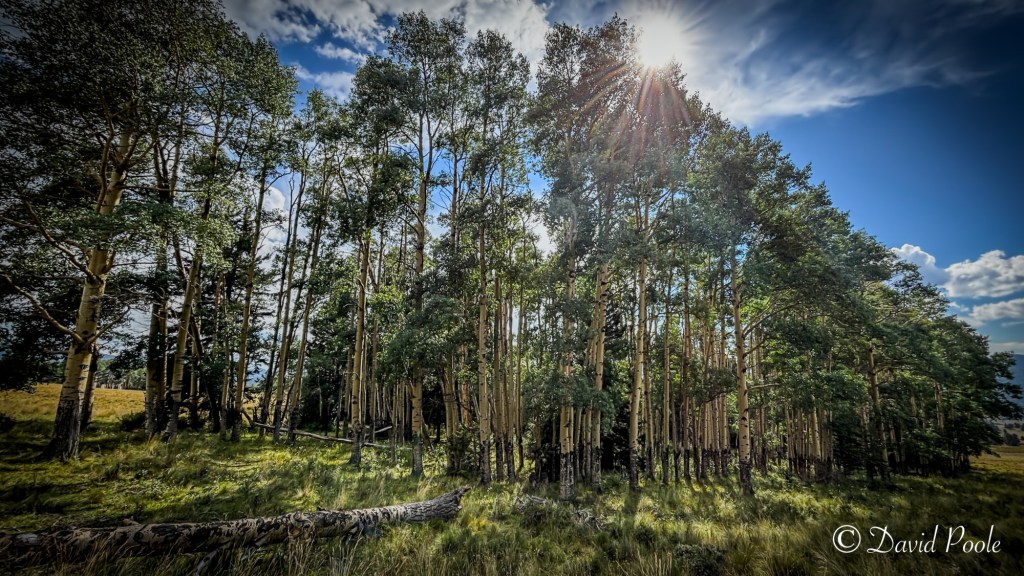
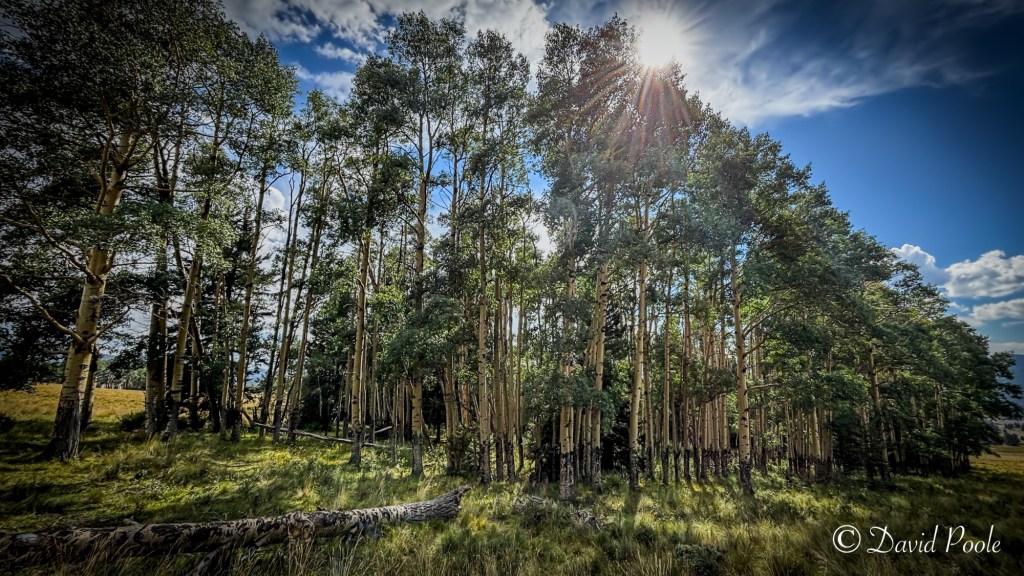
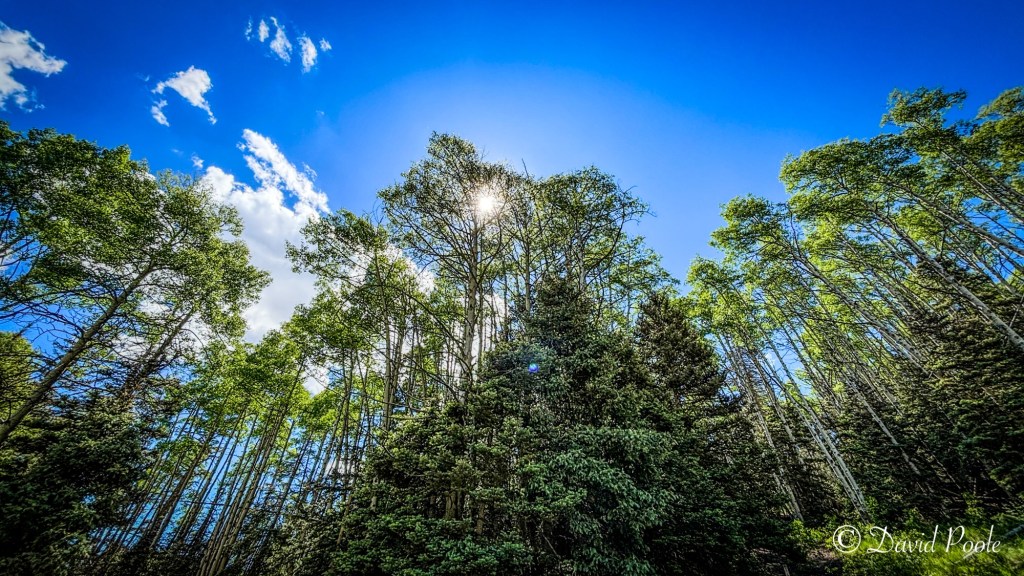
High in the mountains of New Mexico, I found a glowing grove of quaking aspens just as the sun broke through the canopy. There’s something about these trees — tall, slender, golden-skinned — that draws you in. I came prepared with my Canon 90D, Canon L-series lenses, a K&F Concept tripod, and even my iPhone, knowing this scene was too good to miss from any angle.
Canon 90D + L Series Glass: Sharpness Meets Versatility

For wide environmental shots, I relied on the Canon 24–70mm f/2.8L, but for more intimate details — like clusters of bark, layered trunks, or isolating one tree against the backdrop — I used my Canon 70–200mm f/2.8L. This lens gave me the compression and clarity I needed to highlight subtle textures and pull distant trees forward with depth.
Shot Breakdown:
• Camera: Canon 90D
• Lenses: 24–70mm f/2.8L and 70–200mm f/2.8L
• ISO: 100
• Aperture: f/10 for wide shots, f/2.8–f/5.6 for close-ups
• Tripod: K&F Concept Carbon Fiber
• Filter: K&F CPL
Using the 70–200mm for Detail and Compression
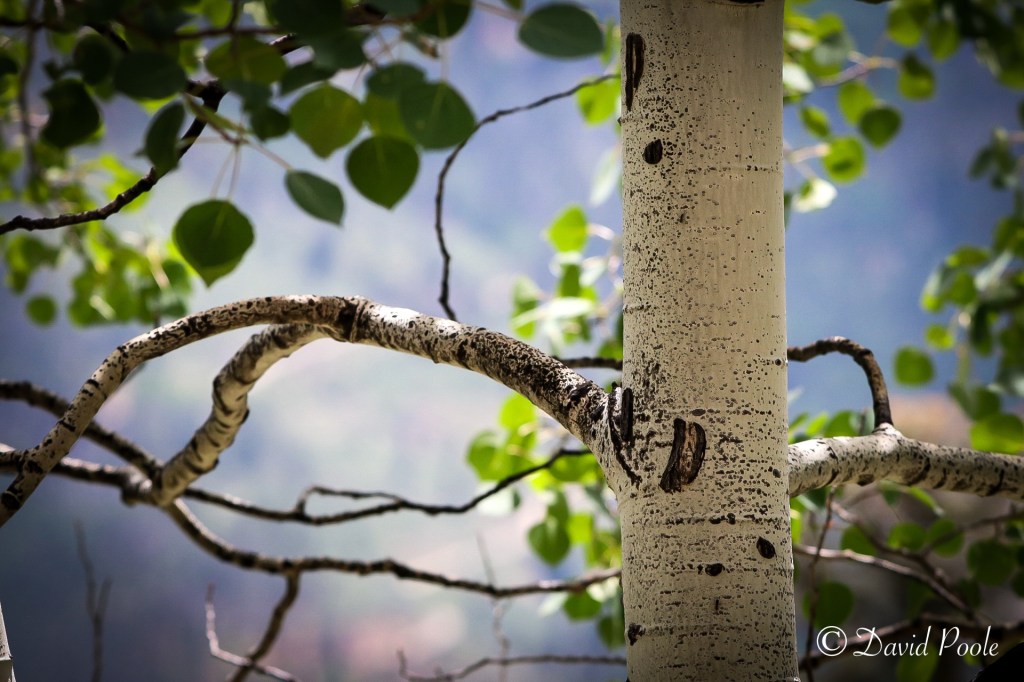
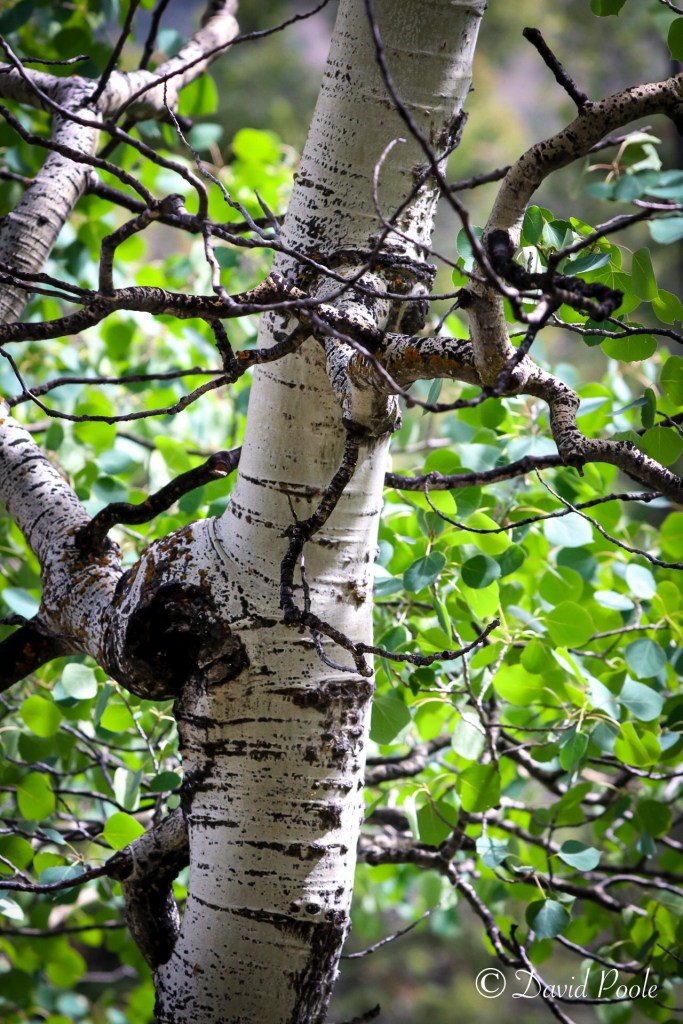
Aspens are photogenic both up close and from a distance. With the 70–200mm, I framed tighter compositions — trunks in golden light, black knots in the bark, and sunlit patches on the forest floor. The telephoto compression made the grove look more layered and dense, almost like a wall of trees — which added a cinematic quality to some shots.
Pro Tip: Use the 70–200mm at 135mm–200mm to compress the forest and fill the frame with repeated lines and patterns — it’s ideal for making the grove feel deeper and more immersive.
iPhone Photography: Don’t Underestimate Your Pocket Camera
While the DSLR gear handled most of the heavy lifting, I also snapped a few frames with my iPhone 15 pro. With smart HDR and excellent native contrast, it delivered surprisingly strong results — especially with the wide and ultra-wide lenses.
Tips:
• Use portrait mode for foreground subjects like logs or leaves.
• Tap to meter on the trunk or shadowed mid-tones.
• If available, shoot in RAW with the Halide or Lightroom Mobile app for better editing flexibility.
Composition in the Grove: Light, Lines, and Layers
I timed the main shot so the sun peeked just over the tree line, creating a soft sunburst effect without washing out the scene. A fallen log led into the grove, creating a visual path that made the image feel more three-dimensional.
With the 70–200mm, I also isolated “portraits” of individual trees and detail shots of light hitting the bark. These close-ups tell a different story — quieter, more focused.
Editing in Lightroom: Preserving Natural Mood
For Canon RAW files:
• Boosted midtone contrast with the tone curve.
• Desaturated greens slightly for a more natural forest feel.
• Lifted shadows to expose bark detail.
• Used radial filters to add subtle spotlighting where the sun naturally fell.
For iPhone shots:
• Adjusted highlights and whites to bring back sky detail.
• Used Lightroom Mobile’s “Texture” slider to enhance bark detail.
• Applied slight vignette to draw the eye inward.
Why Aspen Trees Are a Photographer’s Dream

Aspens offer built-in symmetry, light diffusion, and contrast. The bark’s pale tones pop in shadowy groves, while the leaves filter sunlight with a soft glow. In New Mexico’s higher elevations, these trees are often found in wide open clearings — perfect for both drone and ground photography. What makes them even more special is their shared root system, meaning this forest is often one living organism — a fact that adds a bit of wonder every time I step into a grove.
Closing Thoughts: Slow Down, Look Closer
Photographing aspens is a study in rhythm and reflection. Whether you’re standing back with a 24mm or zooming in at 200mm, these trees offer something ethereal. And whether you’re carrying a full kit or just your phone, the forest rewards those who pause, observe, and frame with care.
 Beyond the Cast
Let me know your thoughts in the comments below!